
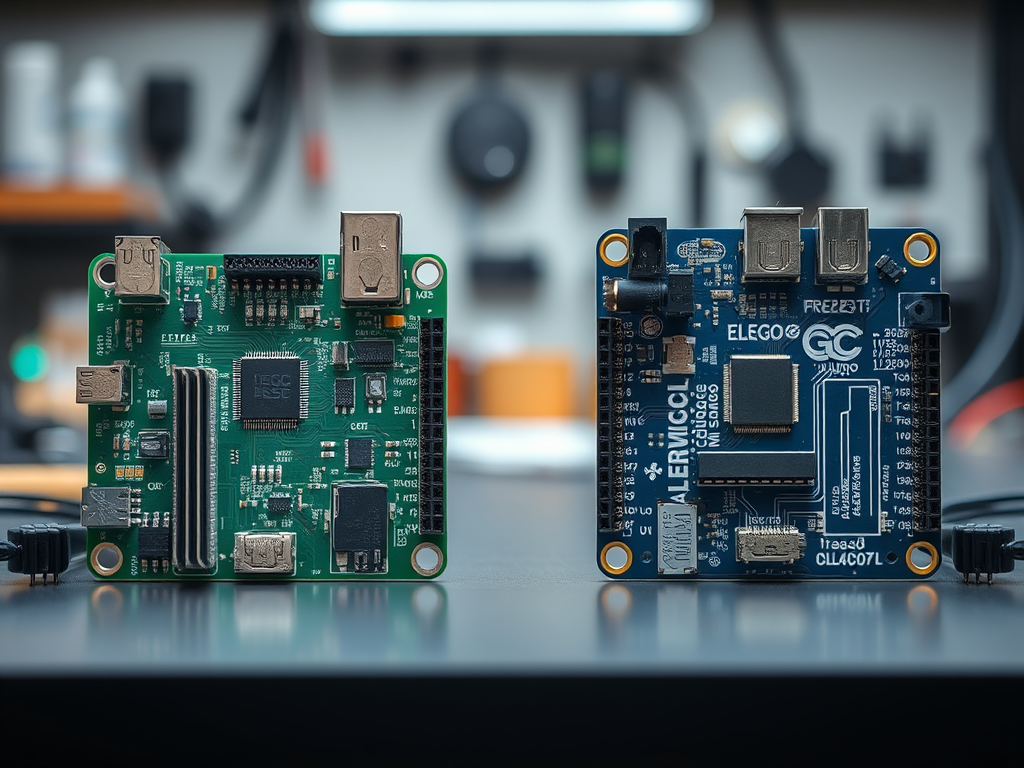
Elegoo vs Arduino
Many beginners feel confused when they see two nearly identical boards online.
One says “Arduino.” The other says “Elegoo.”
They look the same. They cost very different prices.
So which one should you pick?
Let’s cut through the noise.
You don’t need to spend $45 on an official Arduino to start learning.
In fact, most experts agree: Elegoo is the smarter choice for beginners.
And here’s why.
Why Elegoo Isn’t a Copy — It’s a Gift
Arduino didn’t hide their designs.
In 2005, they made their schematics open source.
This decision changed everything.
It let students, hobbyists, and makers build without paying high prices.
Elegoo follows those open rules.
They don’t steal.
They build on top of what Arduino gave to the world.
That’s not piracy.
That’s how innovation spreads.
Arduino’s founder even said: “We made this so anyone could build.”
So if you buy an Elegoo board, you’re not hurting them.
You’re helping keep the maker movement alive.
Elegoo Uno R3 vs Arduino Uno R3: The Real Difference
The Arduino Uno R3 costs $25 to $30.
The Elegoo Uno R3 costs just $8 to $12.
And guess what?
They use the exact same chip: the ATmega328P-PU.
Both have 14 digital pins.
Both have 6 analog inputs.
Both have 6 PWM outputs.
Both have 32 KB of flash memory.
But here’s the big secret.
Most cheap clones use a CH340 USB chip.
That chip needs drivers.
Drivers cause headaches on Macs and Linux.
Elegoo? They use the real ATmega16U2 chip — just like Arduino.
Plug it in.
No drivers needed.
Your computer sees it as “Arduino Uno.”
It just works.
That’s why Elegoo beats most clones.
And that’s why teachers recommend it.
✅ Best for: First-time coders, school projects, learning sensors.
👉 Grab the Elegoo Uno R3 Board (ATmega328P + ATmega16U2)
Elegoo Mega 2560 vs Arduino Mega 2560: Power on a Budget
Need more pins? More memory? More power?
The Arduino Mega 2560 costs $40–$45.
The Elegoo Mega 2560 R3 costs only $15–$20.
Both use the ATmega2560 microcontroller.
Both have 54 digital I/O pins.
Both have 16 analog inputs.
Both have 256 KB flash memory and 8 KB SRAM.
And again — both use the real ATmega16U2 USB chip.
No driver problems.
No mystery failures.
Reddit users swear by Elegoo Mega boards.
They use them in 3D printers.
They use them in CNC machines.
They use them in robotics.
And they never had issues.
✅ Best for: Robotics, 3D printers, multi-sensor projects.
👉 Get the Elegoo Mega 2560 R3 (Official Amazon Listing)
👉 Or this verified alternative
Elegoo Nano V3.0 vs Arduino Nano: Tiny Boards, Big Value
The Arduino Nano costs $20–$25.
The Elegoo Nano V3.0 costs only $5–$8.
Both use the ATmega328P chip.
Both are the same size: 18 x 45 mm.
Both use the CH340 USB chip.
Wait — didn’t you say CH340 is bad?
Yes — but here’s the twist.
The Nano is so small that drivers are easier to install.
And Elegoo sells them in packs of three.
For under $20, you get three Nano boards.
Perfect for testing multiple sensors.
Perfect for IoT nodes.
Perfect for drone controllers.
✅ Best for: Compact builds, wearables, drone controllers.
👉 Buy 3 Elegoo Nanos on Amazon
Arduino Uno R4 WiFi: The Only Board You Should Buy Official
Arduino released the Uno R4 WiFi in 2023.
It’s not just an update.
It’s a whole new chip.
It uses an ARM Cortex-M4 processor.
It has built-in Wi-Fi and Bluetooth.
It has 32 KB of RAM — that’s 16 times more than the R3.
It’s faster.
It’s smarter.
And Elegoo? They have no R4 equivalent yet.
So if you need Wi-Fi or Bluetooth?
Buy the official Arduino Uno R4 WiFi.
But if you’re learning?
Stick with the R3.
It’s cheaper.
It’s simpler.
It teaches you the basics without extra noise.
✅ Verdict: Learn on R3. Upgrade to R4 WiFi when you’re ready.
👉 Official Arduino Uno R4 WiFi (if you need Wi-Fi)
Elegoo Leonardo vs Arduino Leonardo: Native USB Magic
The Arduino Leonardo costs $22–$28.
The Elegoo Leonardo costs only $9–$13.
Both use the ATmega32U4 chip.
Both have native USB.
That means they can act like keyboards or mice.
That’s huge for custom input devices.
Want to build a game controller?
Want to make a MIDI device?
Want to create a custom keyboard?
Both boards handle it.
Elegoo Leonardo works 100%.
No drivers.
No surprises.
✅ Best for: HID projects, custom input devices.
👉 Get the Elegoo Leonardo Board
Elegoo Super Starter Kit: Why It Destroys Arduino’s Kit
The official Arduino Starter Kit costs around $100.
It includes 10+ sensors, a breadboard, and a physical book.
It’s nice.
But Elegoo’s Super Starter Kit? It’s better.
It costs only $45.
It includes over 200 components.
It has 33 step-by-step projects.
It comes with a large breadboard.
It has better wires than the official kit.
And the tutorials? They’re free.
PDF guides.
Video instructions.
You can pause.
You can rewind.
You can watch them on your phone.
That’s more flexible than a printed book.
✅ You get more for less.
✅ You learn faster.
✅ You build more.
👉 Elegoo UNO Super Starter Kit — 33 Projects, $45
👉 Or this ultra-popular version with 24 projects
Arduino vs Elegoo: Who Should Buy What?
Let’s make this simple.
If you’re a student?
Buy Elegoo.
If you’re on a budget?
Buy Elegoo.
If you’re learning sensors, motors, or LEDs?
Buy Elegoo.
It gives you more parts.
It gives you more projects.
It gives you more room to fail.
And that’s how you learn.
But if you’re building something to sell?
Then buy official Arduino.
Why?
Because long-term support matters.
Because warranties matter.
Because customers trust the brand.
And if you can afford both?
Buy Elegoo first.
Learn everything.
Then buy one official Arduino.
Support the open-source community.
That’s the smartest move.
FAQ: Your Top Arduino vs Elegoo Questions Answered
Can I use the Arduino IDE with Elegoo boards?
Yes — easily.
Open the Arduino IDE.
Go to Tools → Board.
Select “Arduino Uno.”
That’s it.
You don’t need extra drivers.
You don’t need special software.
Just upload your code.
It works.
Are Elegoo boards reliable?
Yes — better than most people think.
Over 16,000 Amazon reviews for Elegoo Mega boards average 4.7 stars.
People use them daily.
They don’t break.
They don’t overheat.
They connect without problems.
That’s reliability.
Do Elegoo boards work with Arduino shields?
Yes — 100%.
The pin layout is identical.
The voltage matches exactly.
The spacing is the same.
Stack your motor shield.
Plug in your LCD shield.
Add your Ethernet shield.
Everything fits.
No adapters needed.
Is Elegoo stealing from Arduino?
No — not even close.
Arduino released their designs as open source.
That means anyone can copy them.
Elegoo follows those rules.
They don’t hide the source.
They don’t claim ownership.
They just make it affordable.
Should I feel guilty buying Elegoo?
No — not at all.
Arduino’s founder said: “We made this so anyone could build.”
Buying Elegoo helps that dream live.
More people learn.
More people create.
More people join the community.
And if you can afford it?
Buy one official Arduino each year.
That’s how you give back.
Final Advice: Start With Elegoo. Then Support Arduino.
Start with the Elegoo Super Starter Kit.
Build your first robot car.
Burn a few LEDs.
Make a light sensor.
Connect a motor.
Fail. Try again.
Fail again.
Then succeed.
That’s learning.
Then — when you’re ready — buy one official Arduino board.
It’s a small price to pay.
But it helps keep open-source hardware alive.
You get the best of both worlds.
Low cost to start.
High support to grow.
That’s the maker way.
👉 Get the Elegoo UNO Super Starter Kit — 33 Projects, $45
👉 Need more pins? Grab the Elegoo Mega 2560
        // Define pin connections
        const int trigPin = 9;
        const int echoPin = 10;
        const int ledPin = 8;

        // Set a distance threshold for detecting movement (in cm)
        const int movementThreshold = 50; // Adjust this to your desired distance

        void setup() {

          // Initialize pin modes
          pinMode(trigPin, OUTPUT);
          pinMode(echoPin, INPUT);
          pinMode(ledPin, OUTPUT);

          // Start Serial Monitor for debugging
          Serial.begin(9600);
          Serial.println("Starting distance sensor...");
        }

        void loop() {

          // Trigger the sensor to send out a pulse
          digitalWrite(trigPin, LOW);
          delayMicroseconds(2);
          digitalWrite(trigPin, HIGH);
          delayMicroseconds(10);
          digitalWrite(trigPin, LOW);

          // Measure the duration of the pulse
          long duration = pulseIn(echoPin, HIGH);

          // Calculate distance (in cm)
          int distance = duration * 0.034 / 2;

          // Print distance to Serial Monitor for debugging
          Serial.print("Distance: ");
          Serial.print(distance);
          Serial.println(" cm");

          // Check if an object is within the threshold distance
          if (distance > 0 && distance <= movementThreshold) {
            Serial.println("Object detected within range. Turning LED on.");
            digitalWrite(ledPin, HIGH); // Turn on the LED
          } else {
            Serial.println("No object detected or out of range. Turning LED off.");
            digitalWrite(ledPin, LOW); // Turn off the LED
          }

          // Delay to avoid overwhelming the sensor
          delay(200);
        }
Every line of code you write works the same on Elegoo and Arduino.
That’s the beauty of open source.
Now go build something.
And don’t wait for perfection.
Start today.
With Elegoo.
Then support Arduino tomorrow.
You’ve got this.


Leave a Reply